Among the many available tools, DoCast and ApowerMirror stand out as popular options. This article explores their features, benefits, and differences to help you choose the right tool for your needs.
What is DoCast?
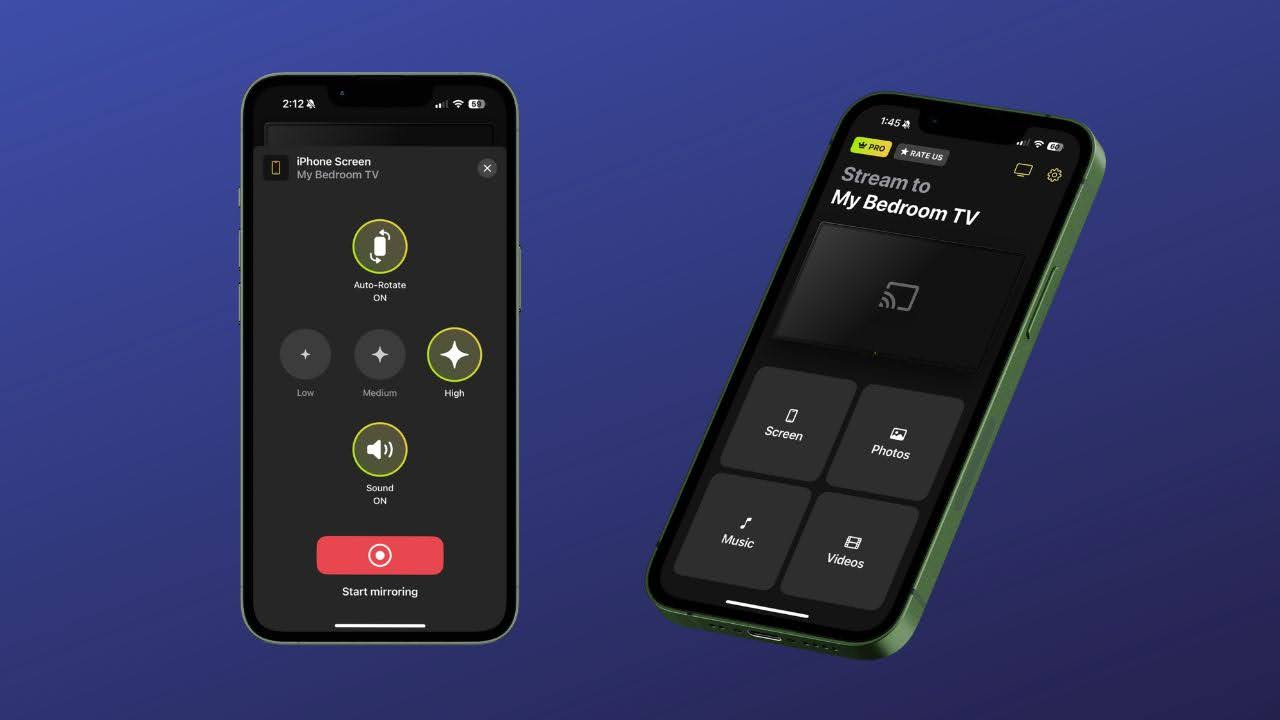
DoCast is a screen mirroring application designed to enable users to project their smartphone or tablet screens onto computers or smart TVs. It supports various devices and offers real-time mirroring with minimal lag, making it ideal for presentations, gaming, and media sharing. DoCast emphasizes ease of use with a straightforward setup process and compatibility with both Android and iOS devices.
Key Features of DoCast
Cross-Platform Compatibility: Supports Android, iOS, Windows, and macOS.
Wireless Connection: Connects devices over Wi-Fi without the need for cables.
High-Quality Streaming: Provides smooth video and audio streaming with minimal delay.
Screen Recording: Allows users to record the mirrored screen directly on the computer.
User-Friendly Interface: Simple setup with step-by-step guidance.
What is ApowerMirror?
ApowerMirror is a versatile screen mirroring app that offers a robust set of features for both personal entertainment and professional use. It allows users to mirror mobile screens to PCs and TVs, control mobile devices from PCs, and stream media content effortlessly. ApowerMirror supports both wired and wireless connections, giving users flexibility based on their environment.
Key Features of ApowerMirror
Device Control: Control Android devices directly from your PC using mouse and keyboard.
Multiple Connection Options: Supports Wi-Fi and USB connections.
Screen Recording and Screenshots: Capture your screen activity easily.
High-Definition Mirroring: Supports HD quality for clear visuals.
Whiteboard and Annotation Tools: Useful for presentations and teaching.
Comparing DoCast and ApowerMirror
While both DoCast and ApowerMirror offer reliable screen mirroring, there are some distinctions:
Control Features: ApowerMirror allows full control of Android devices from the PC, whereas DoCast focuses mainly on mirroring.
Connection Flexibility: ApowerMirror supports both USB and Wi-Fi, while DoCast primarily uses wireless connections.
Additional Tools: ApowerMirror includes annotation and whiteboard tools, beneficial for educators and professionals.
Which One Should You Choose?
Your choice depends on your specific needs:
Choose DoCast if you want a simple, wireless screen mirroring tool for basic presentations and media sharing.
Opt for ApowerMirror if you need advanced features like device control, multiple connection methods, and interactive tools.
Conclusion
DoCast and ApowerMirror offer effective solutions for screen mirroring with unique strengths. Understanding your usage scenario will help you pick the best option to enhance your device connectivity and screen sharing experience